My Microsoft headset busted, and rather than bother my IT guys for a replacement and drive all the way to my office to get them (I work remotely), I went ahead and just bought these out of pocket. That said, the first winning factor is the price, since these beat out the cost of the Microsoft units.
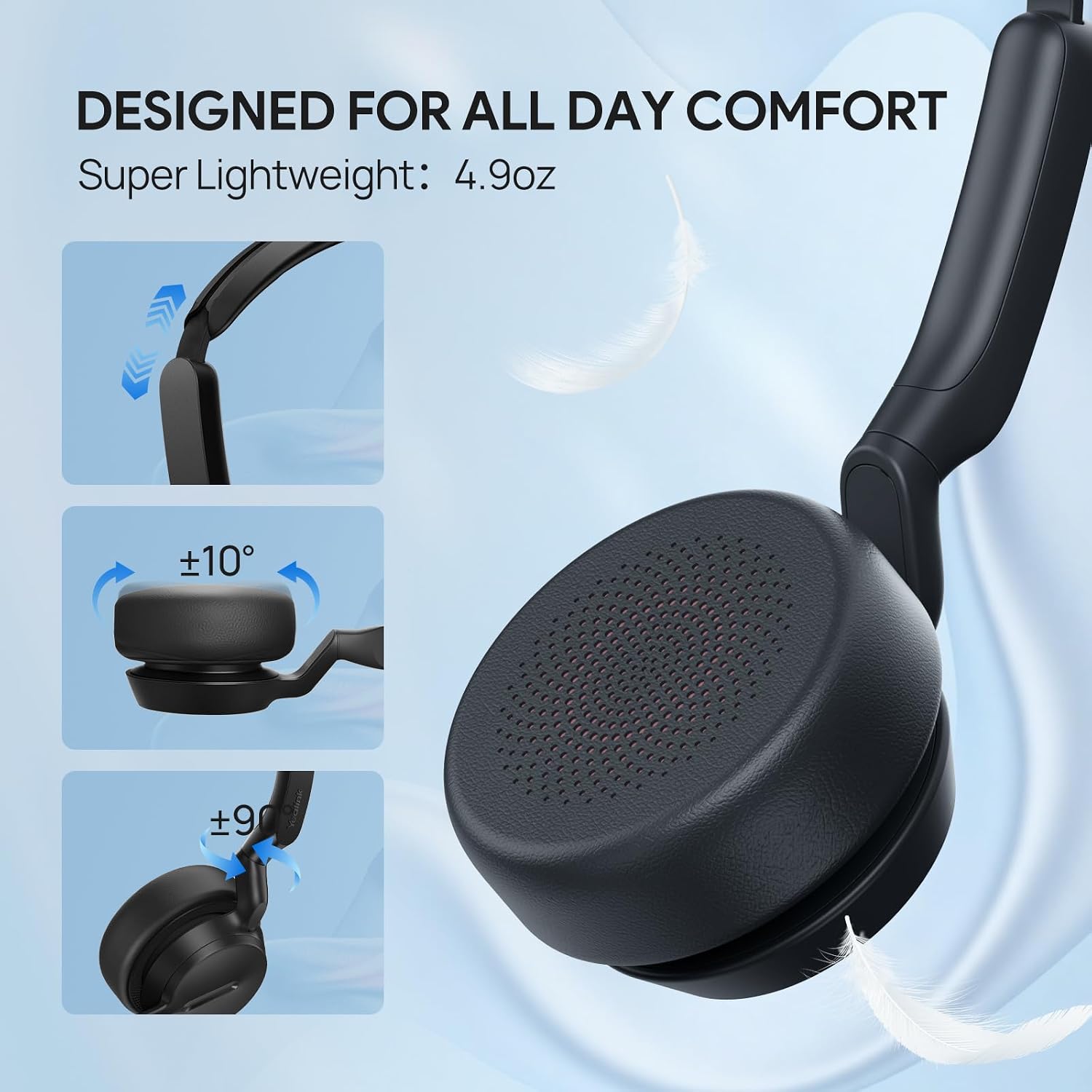
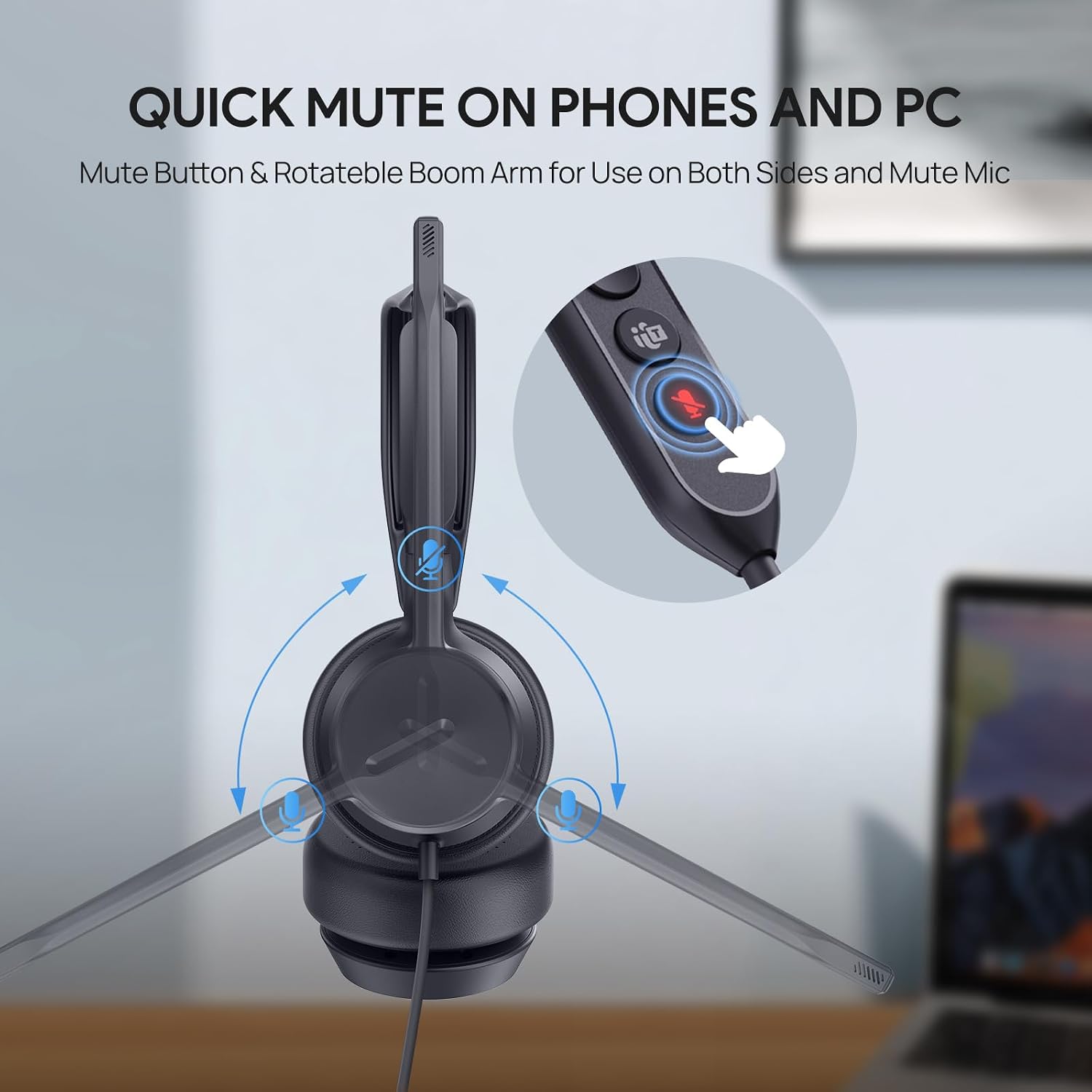
Comfort wise, these have been fine. There are days where I'll be in calls pretty much all day, and I don't give much thought to them. They are adjustable, and I've not had any issues with that. The boom mic swivels to both sides, and the headset is symmetrical, so you can technically wear it so the boom is on either ear, though I think if you were listening to something in true stereo, it might be backwards. I've always worn it with boom mic on the left ear and haven't noticed any sound being 'backwards'…but then again, company meetings and client calls aren't exactly action scenes.
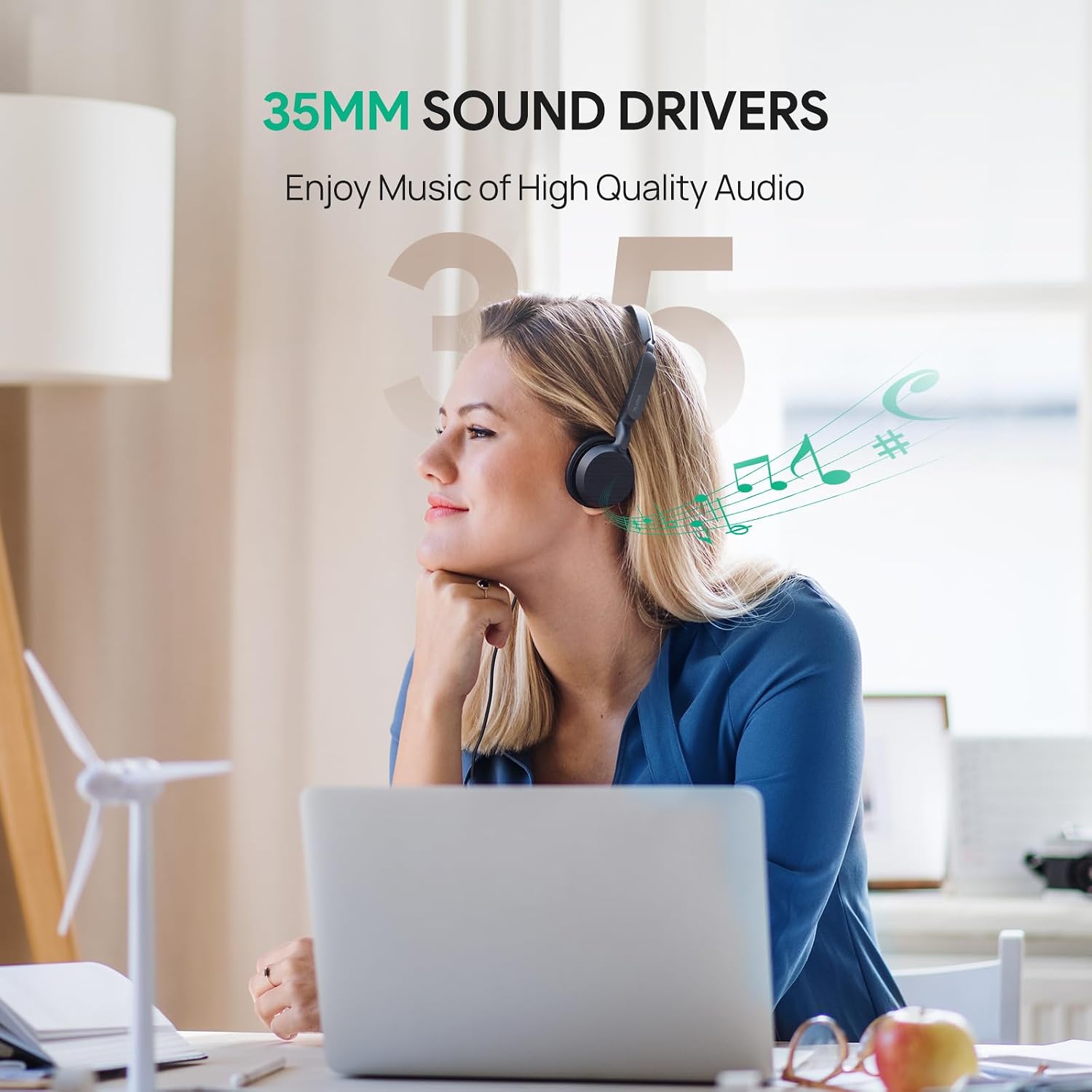
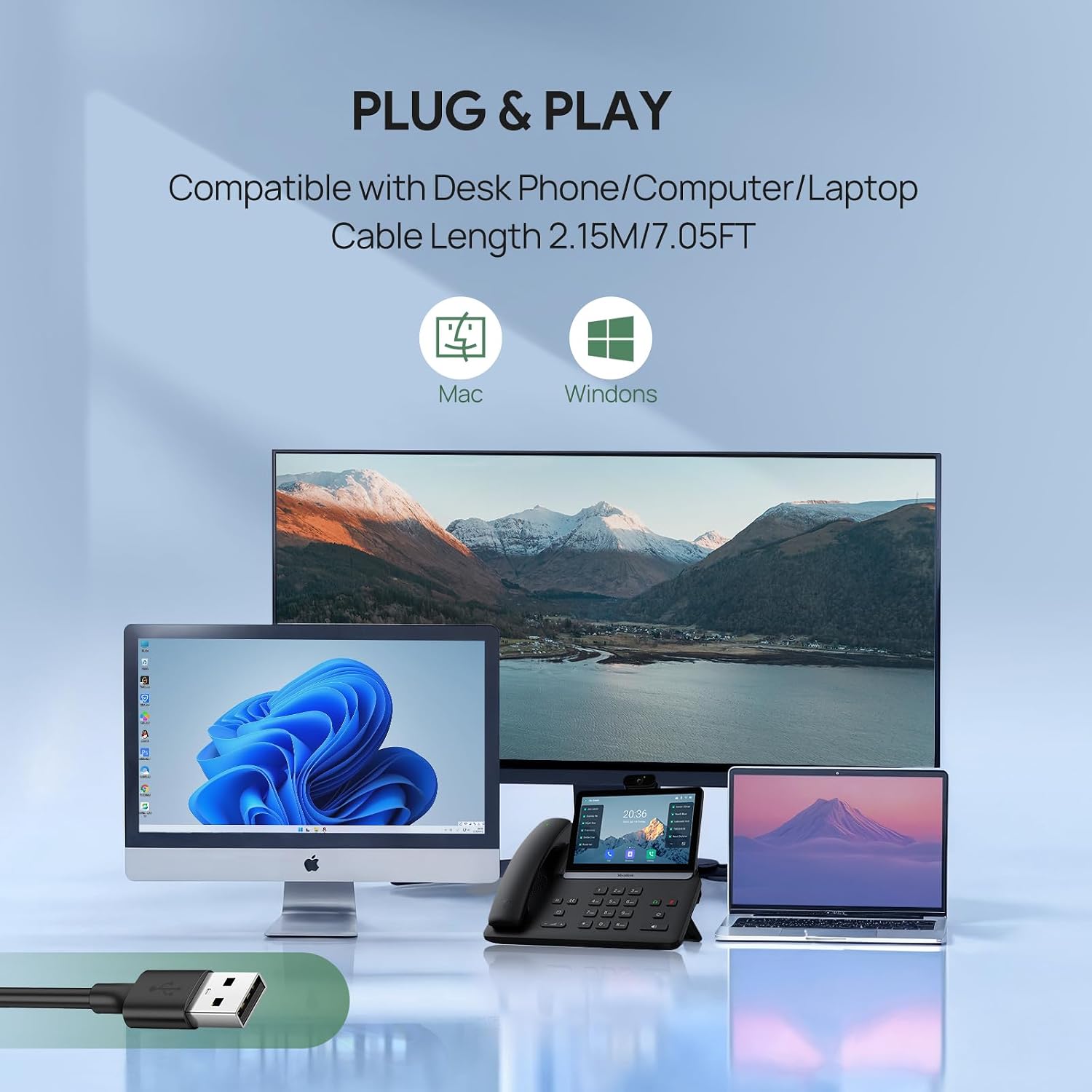
These are also not bulky at all. Audio quality is good for being on-the-ear style. I've not had any complaints about audio issues. They are wired for USB-C, but include a USB-C to USB-A adapter that's tethered on the headset. I've not needed to use the adapter.
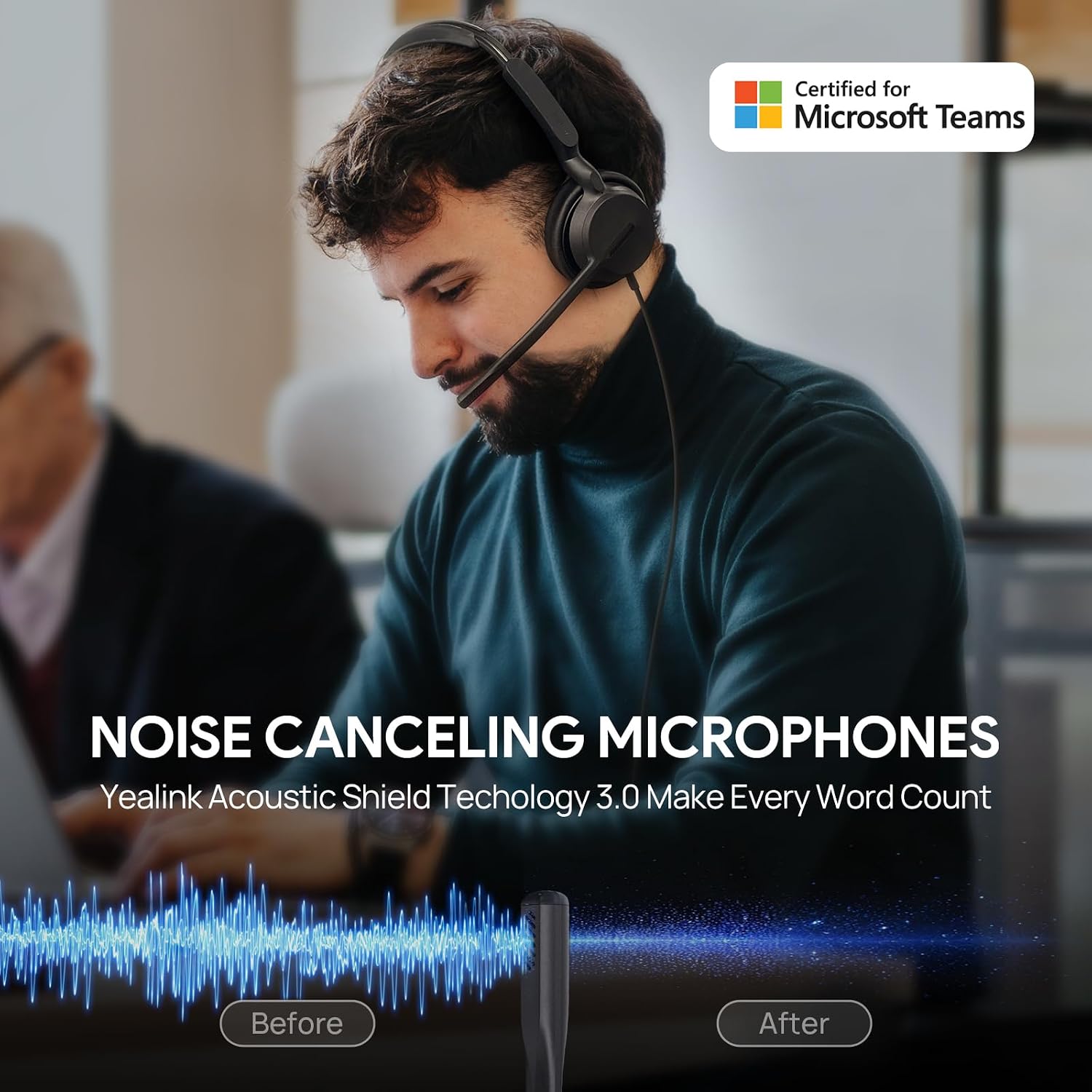
They do a pretty great job of noise cancelling, but not as good as the Microsoft ones they replaced in terms of hearing other noises in the room (I share a work space with the Mrs., also work-from-home). I have dogs, and one in particular barks loudly at things at the door (as most dogs do); a few times I've apologized to people on the call, but they almost always says they didn't hear anything. Not sure if it's the headset doing the noise cancelling, or Teams, but it's a great feature if it's the headset.
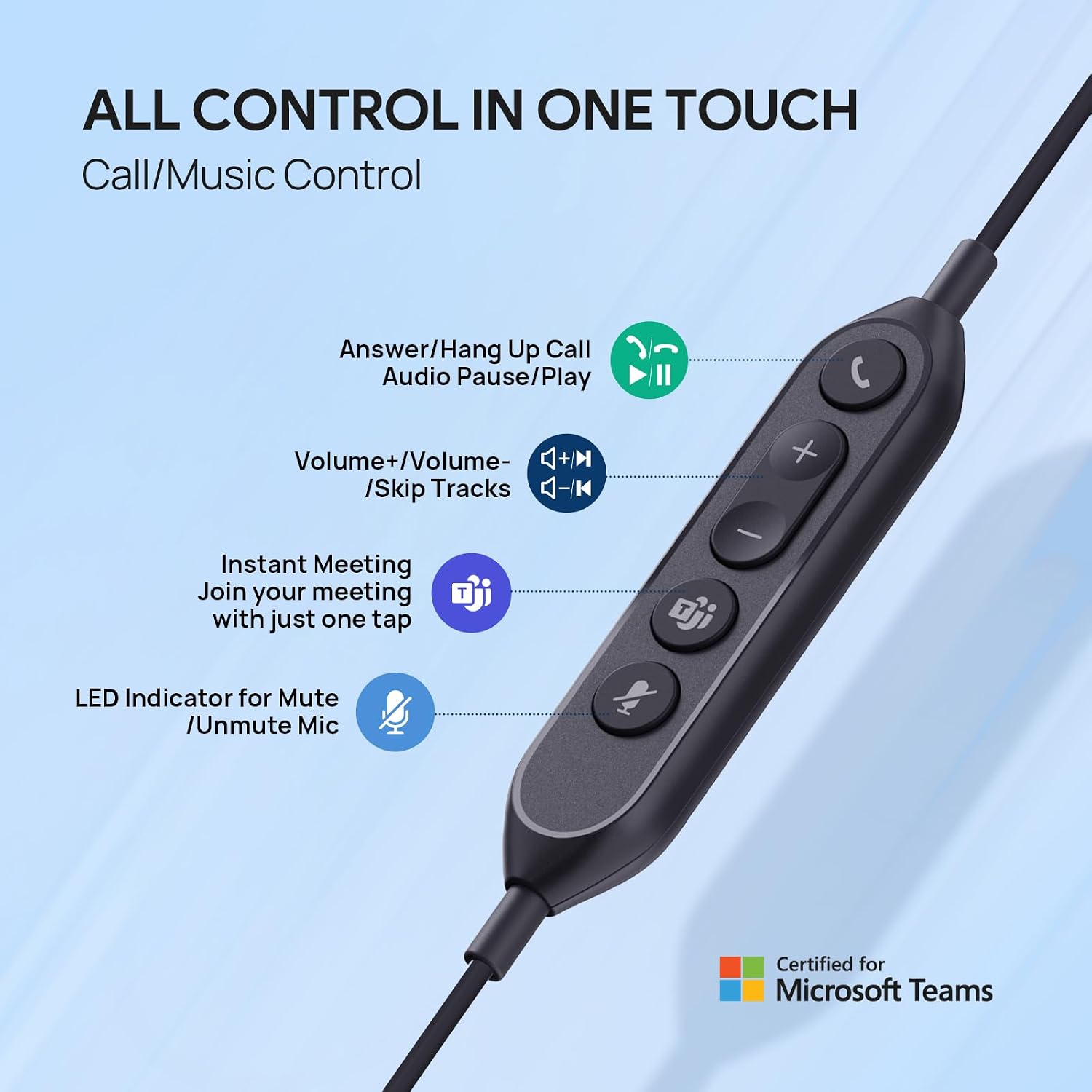
The inline controls were perhaps my biggest need out of a headset. I often have many speaking roles on my work calls, so it's important that I can quickly mute and unmute. This works well for that. The volume controls work great, too. The headset is "Teams Certified" though I'm not entirely sure what it really means sometimes, since there's a "Teams" button that either always lit, or slowly blinks, but pressing it hasn't really ever done anything that I've noticed (I thought that when it blinked, pressing it would bring the 'Join Teams Meeting' window to the forefront, or auto join…but I don't think I've seen that happen).
There have been a couple times when the headset's mute button is either not in sync with the Teams meeting, or does not mute/unmute correctly. I tend to have to unplug the headset for it to correct.
Lastly, for the only major gripe. While mute/unmute works well overall, there's a voice-over that does 3 things:
1. It tells you when you've muted yourself (as "MUTED")
2. It tells you when you've unmuted yourself (as "UNMUTED")
3. It tells you when you are muted…as in, if you're talking on mute, it lets you know that (as "MUTED").
…these are good things, except when the voice-over is so loud (hence the cap letters above!) that it basically blocks hearing anything else, like if you still want to listen while transitioning. #3 is a pain because it'll say something if you cough, sneeze, or tap the boom on accident or while picking your nose. Obviously, the spoken word is short, but it's still maybe 1-2s long, which doesn't seem like much, but can be enough to miss a word or two, particularly short replies. There's not a way to control the voice-over volume or disable it, but I guess I'd rather have it than not have it, especially since I have a lot of calls and it saves me the trouble of finding the icons in the Teams window, particularly when presenting something.